






How to Disable Snow in GTA Online?
Dec 29, 2025 at 12:23
 689
689 0
0Snowfall is a rare event in GTA Online that helps create a festive atmosphere. However, not everyone enjoys driving on snow-covered roads. Fortunately, there is a way to remove the snow. To do this, follow these steps.


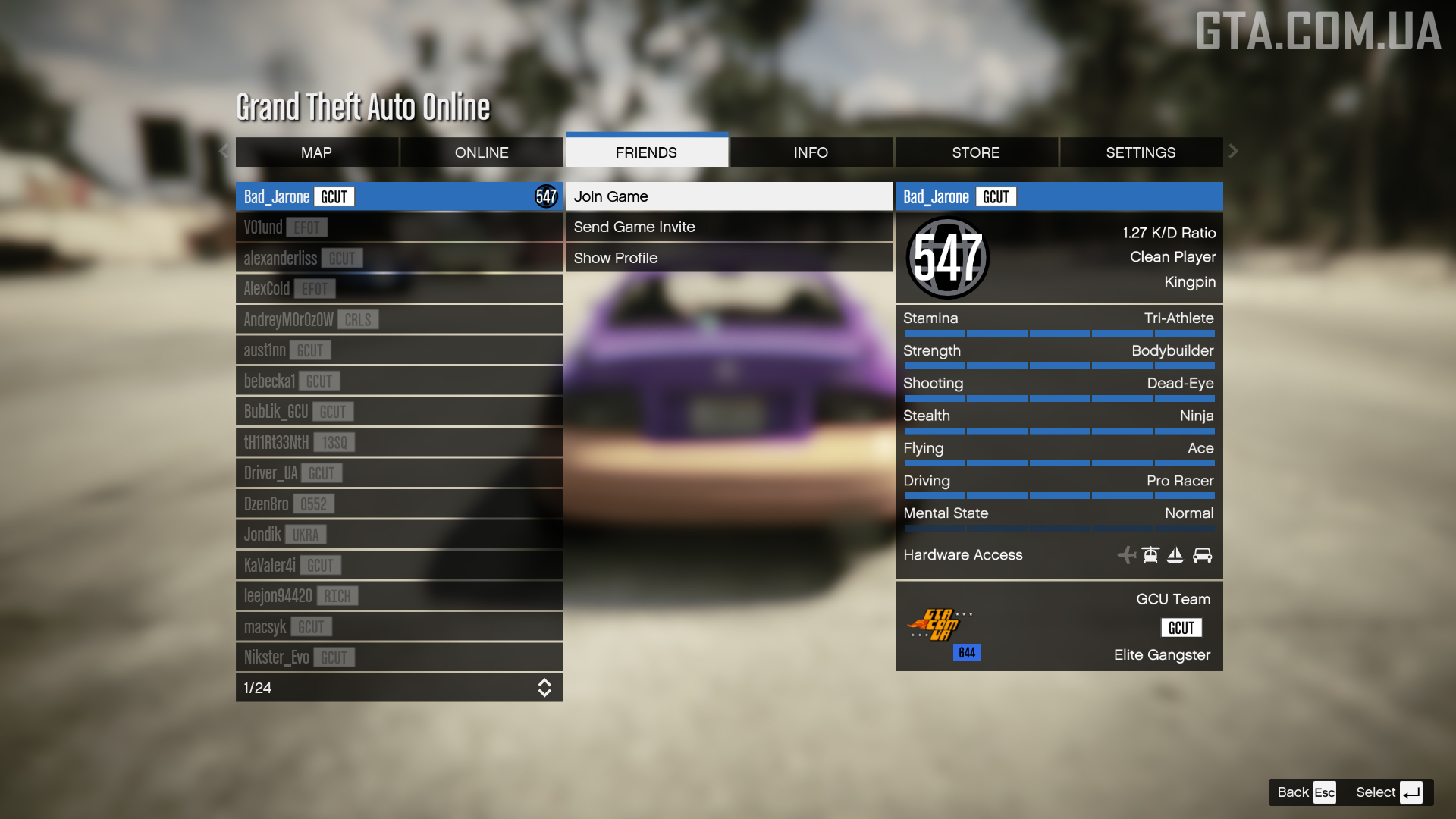
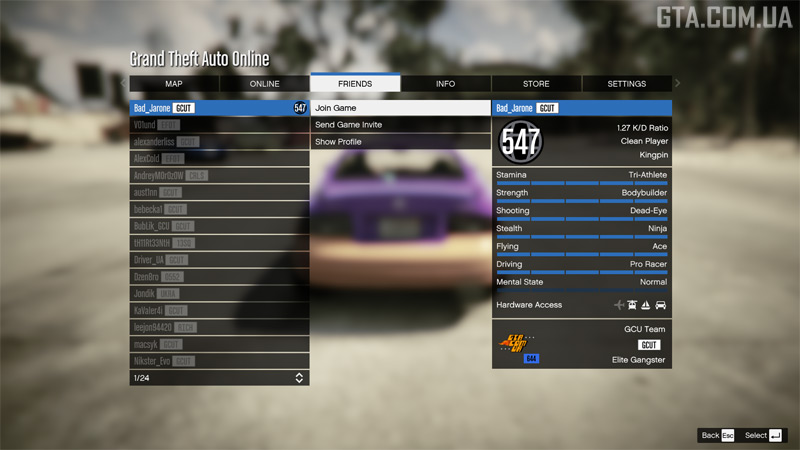 You will be transferred to your friend’s session, and snow will no longer be visible there (for you only). Snowballs can still be picked up and thrown, but the roads will be clear and vehicles will handle normally.
The effect will last until you start a new job or switch sessions.
- Go to the Jobs page in Social Club.
- Set the following filters: Any Job type, Any number of Players, All content, and Any time.
The platform depends on what you play on: PC Enhanced, PC Legacy, PS5, PS4, Xbox Series X/S, or Xbox One.
- Enter Cayo Perico in the search bar.
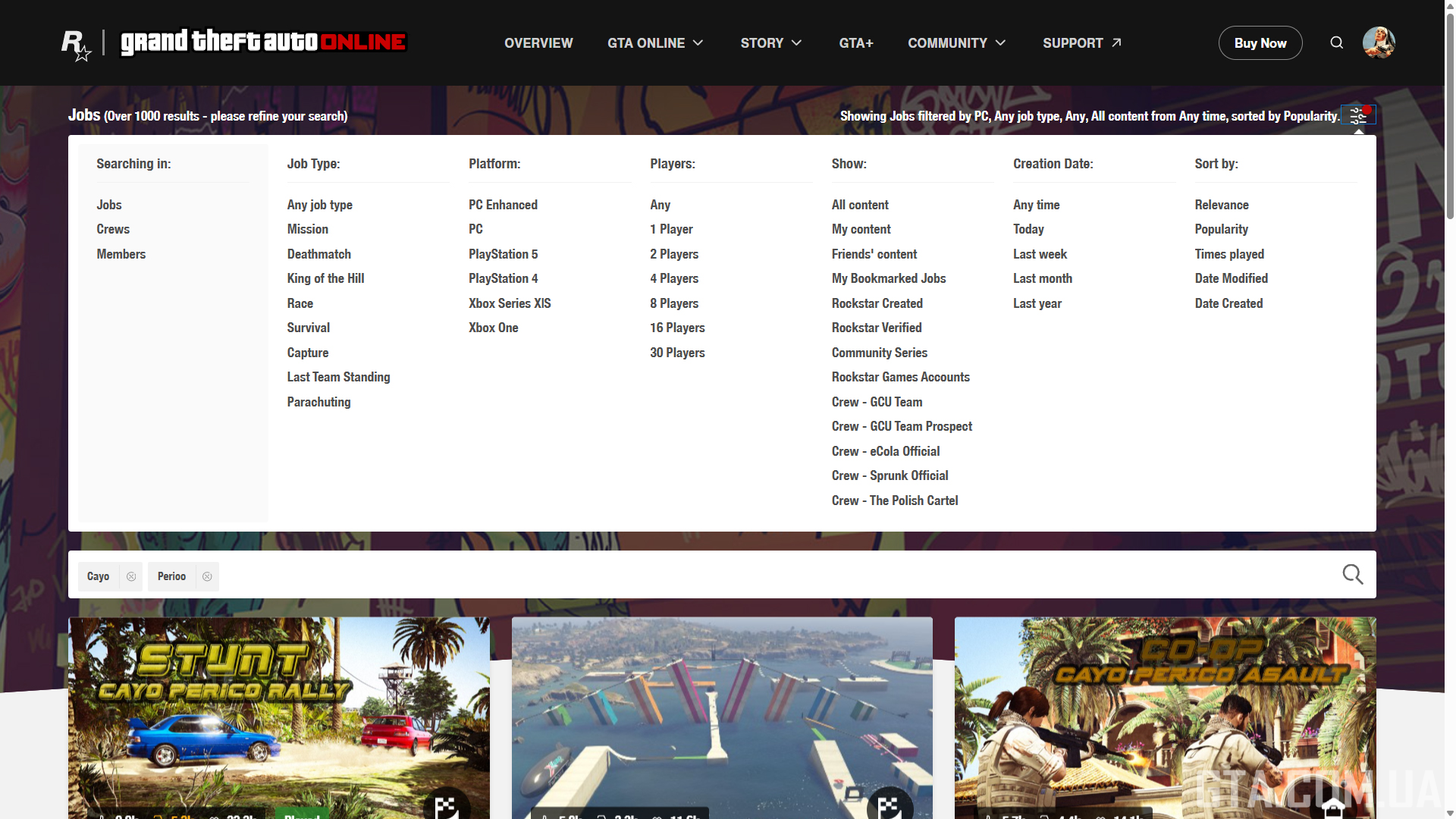
- Click on any Job you like that takes place on Cayo Perico.
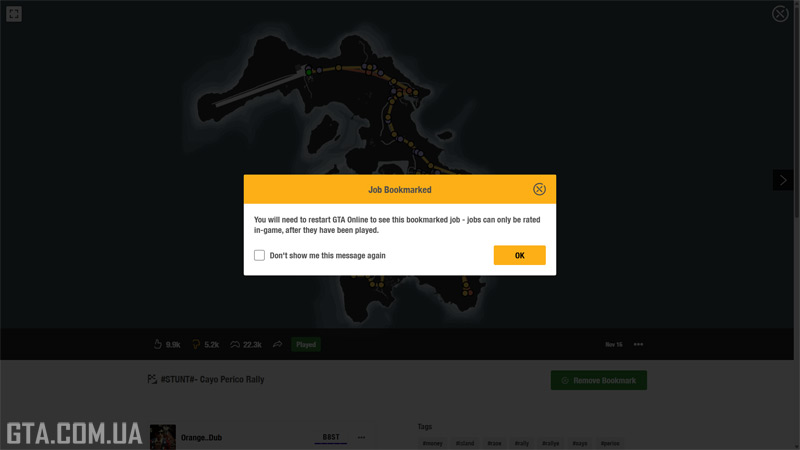
- Click the Bookmark Job button.

- Launch the game.
- Go to Pause Menu → Online → Jobs → Play Job → Bookmarked.
- Find the bookmarked Job in its category.
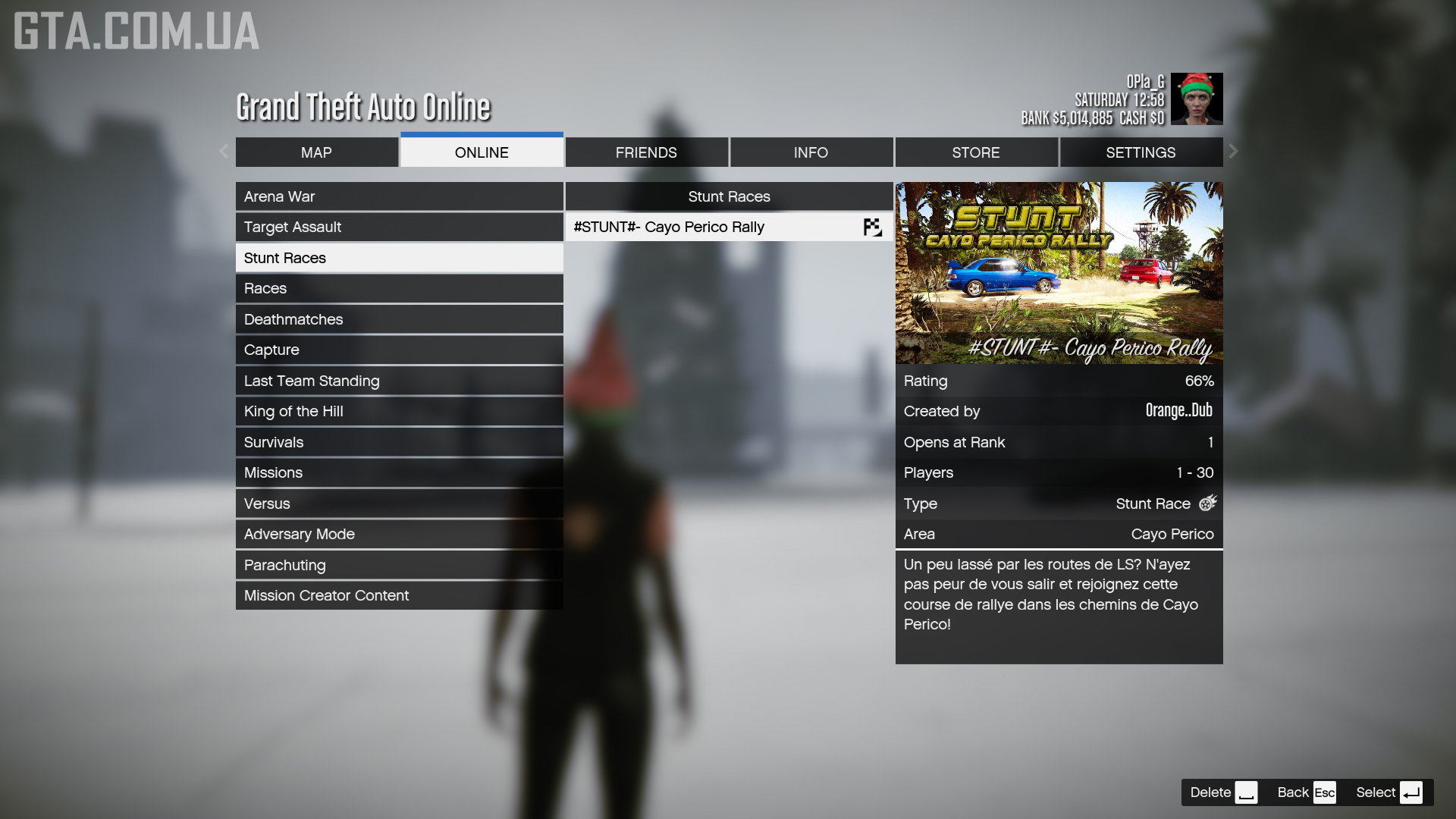
- Start the bookmarked Job (you can do this solo).
- Immediately after it starts (GO), open Pause Menu → Friends → select any friend who is playing → Join Game.
The effect will last until you start a new job or switch sessions.