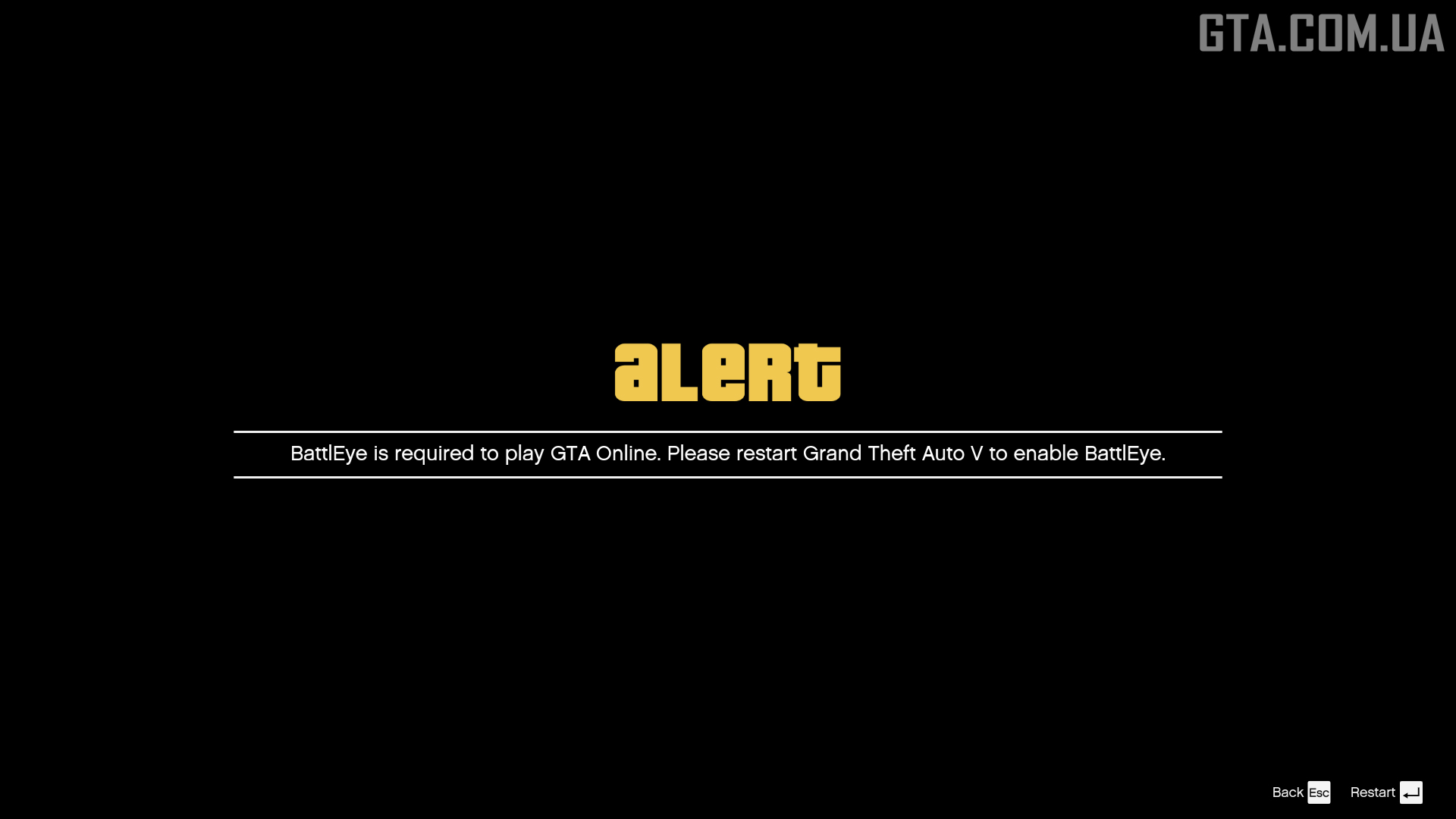







How to Enable/Disable BattlEye in GTA 5?
January 13, 2025
 19.1K
19.1K 0
0After the implementation of the BattlEye anti-cheat, the game’s files started being checked for originality, preventing from launching GTA 5 with mods. To make modifications work, BattlEye must be disabled.
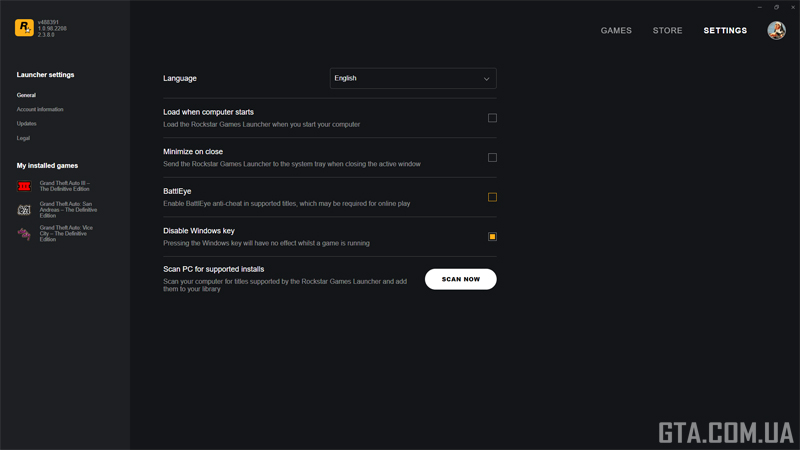
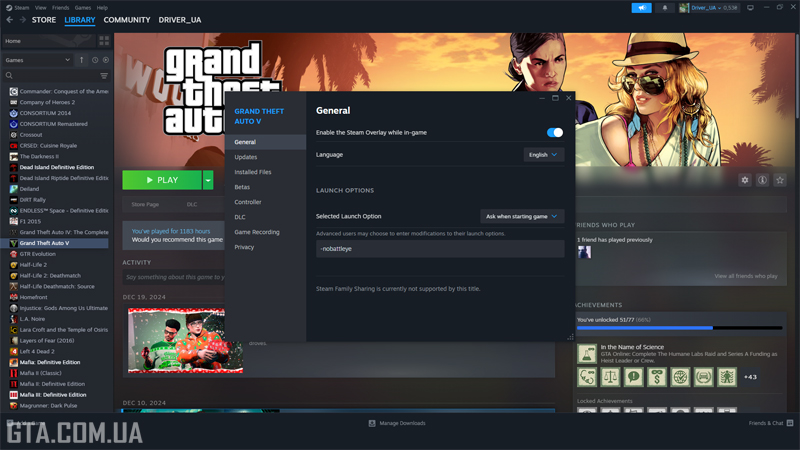
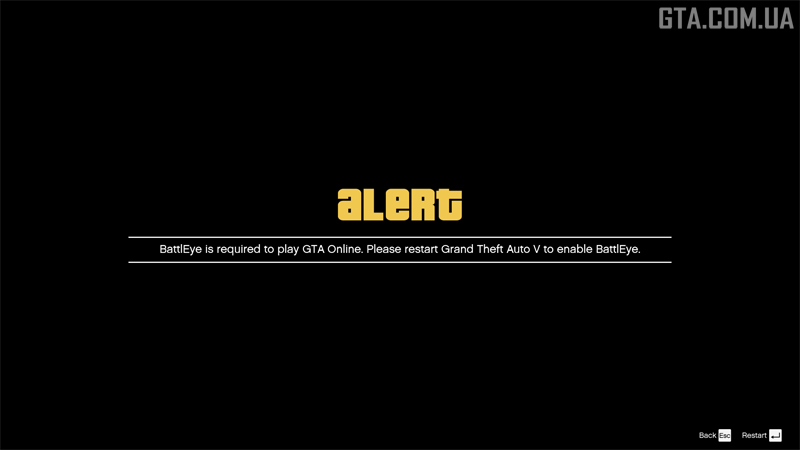
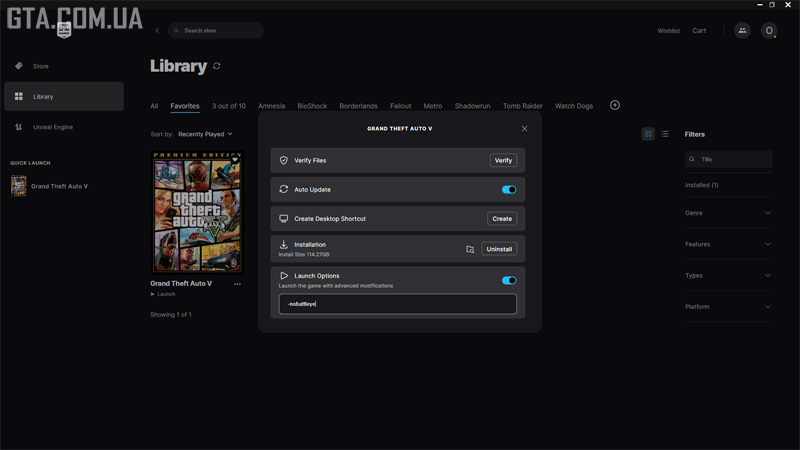 With BattlEye disabled, GTA Online will not be accessible. To re-enable BattlEye and regain access to GTA Online you must:
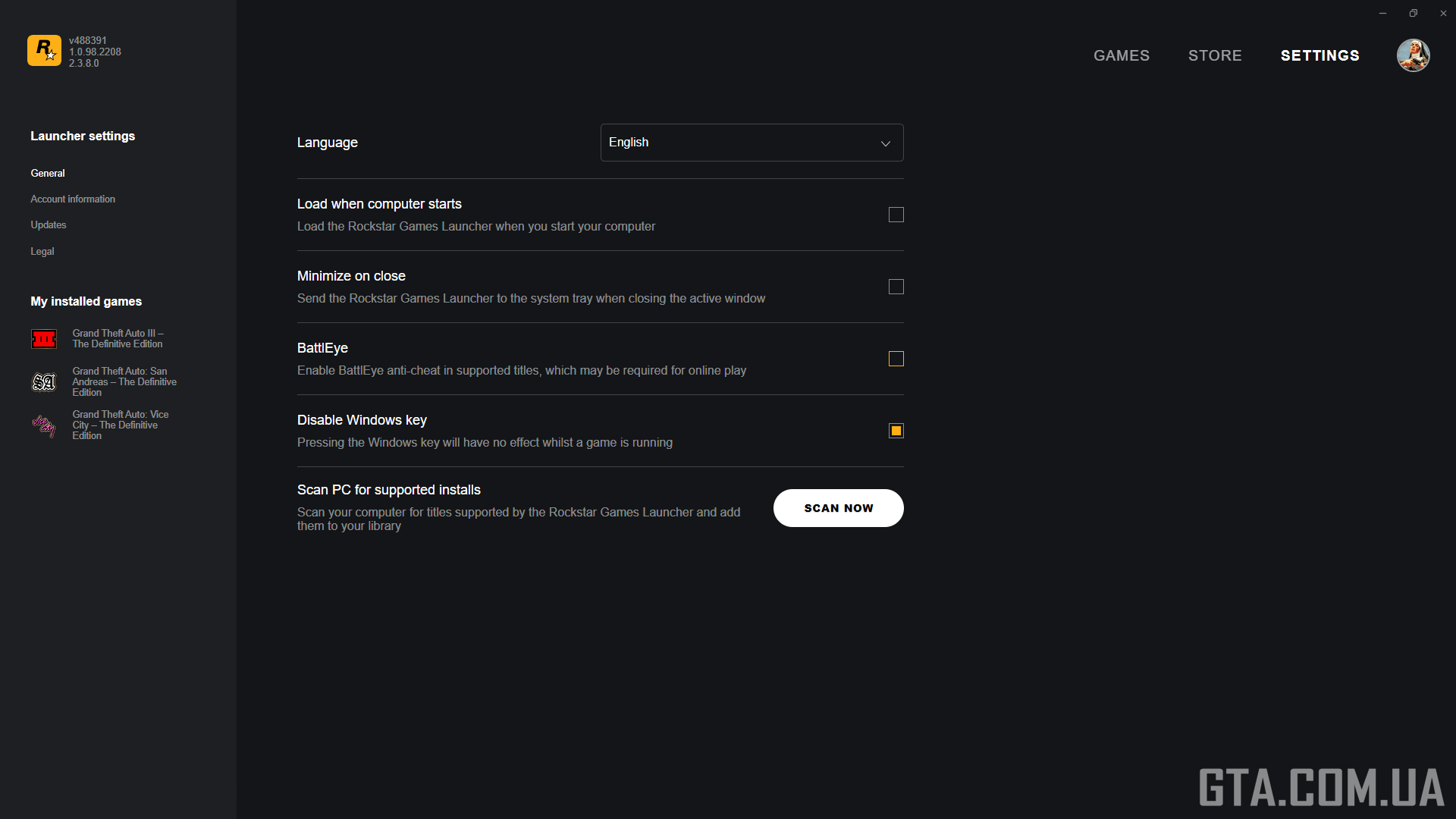
Rockstar Games Launcher
- Open Settings menu.
- Uncheck the box next to the BattlEye option.
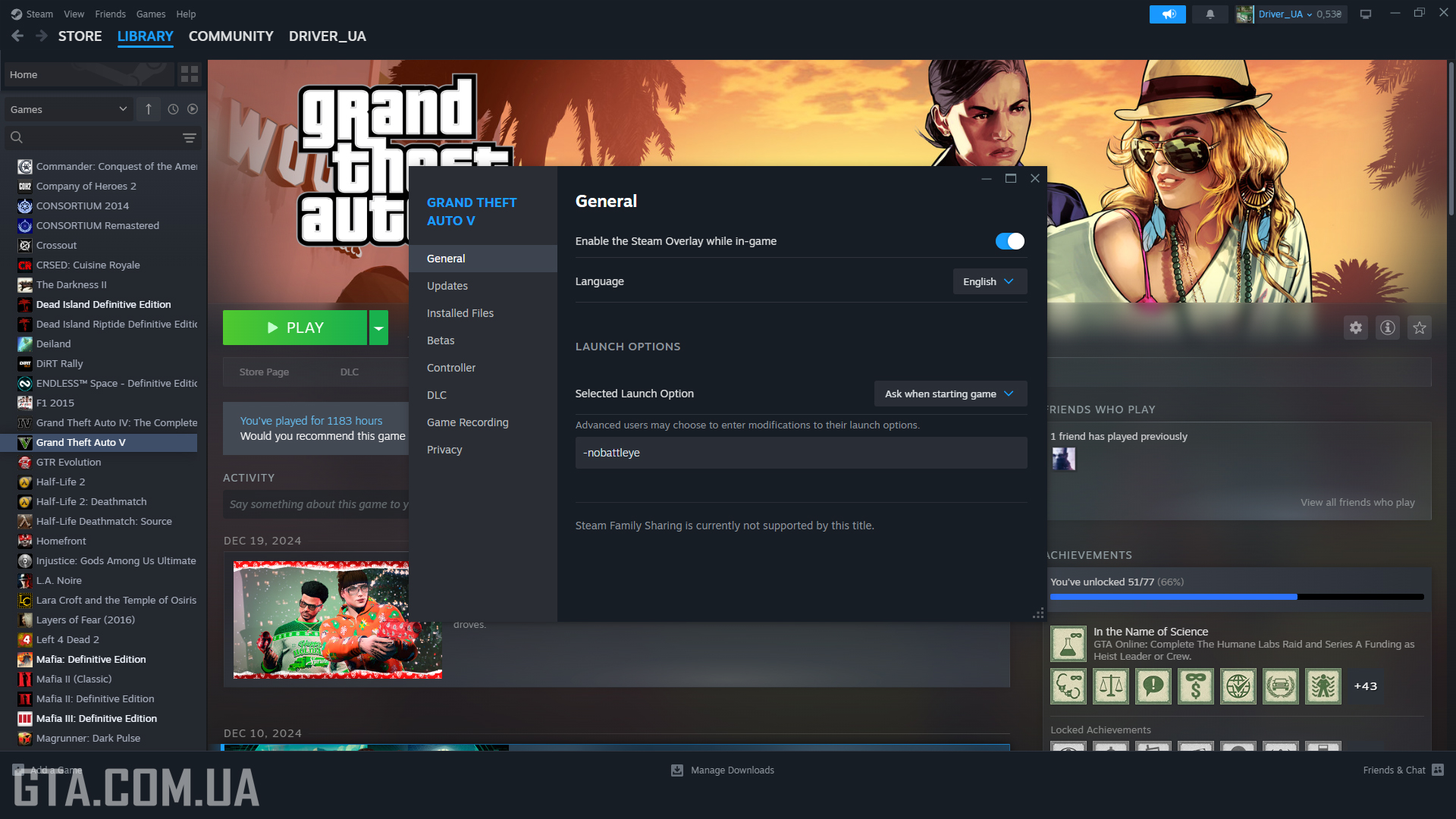
Steam
- Right-click on GTA 5 in your library list.
- Select Properties.
- Enter -nobattleye in the Launch Options field.
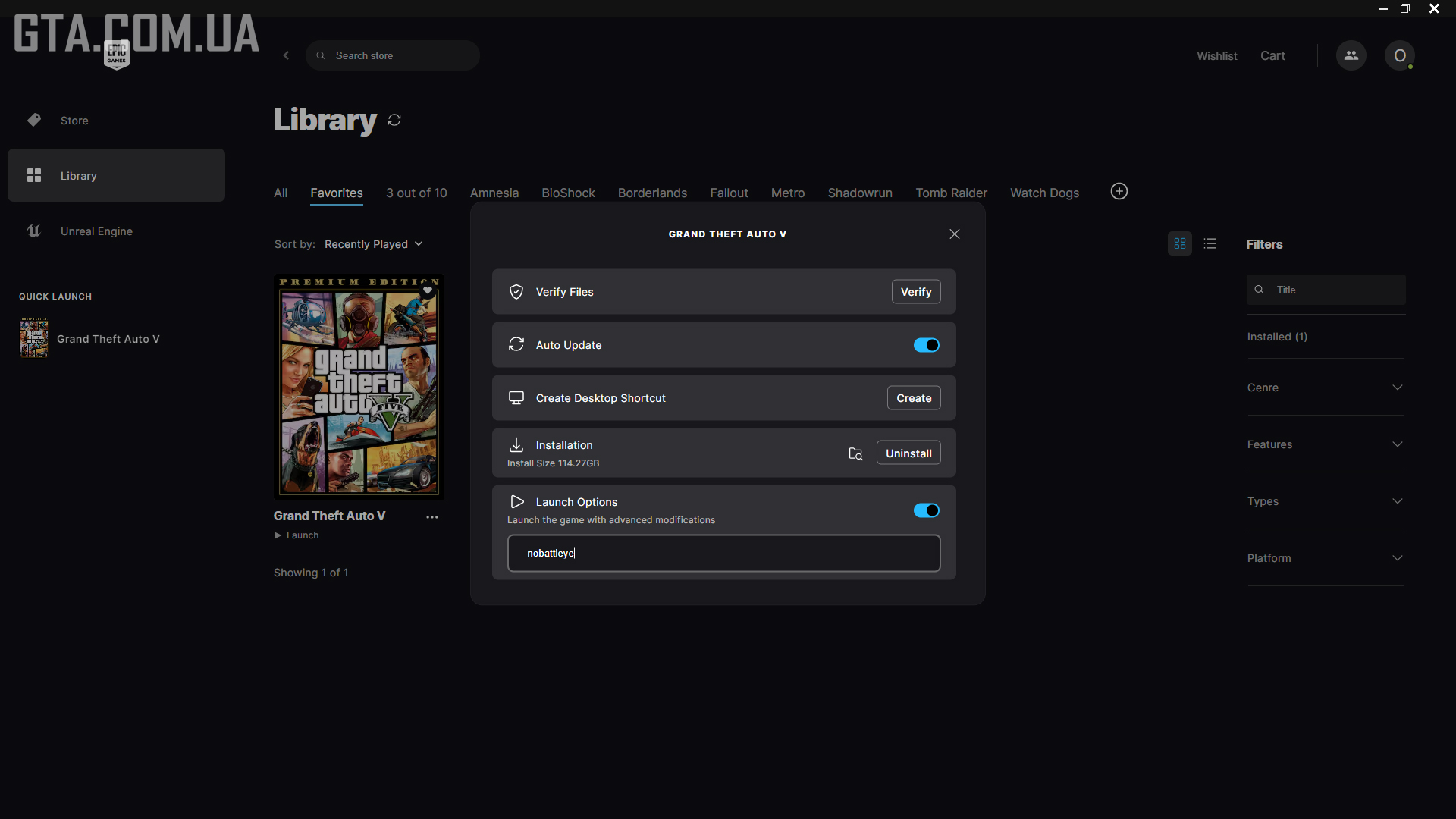
Epic Games Store
- Click the three dots next to Grand Theft Auto V in your library.
- Go to Manage.
- Enter -nobattleye in the Launch Options field.
- Toggle the switch to the right (it will turn blue).
- Check the box in the relevant settings option in RGL.
- Remove the Launch Options entry in Steam and EGS.
- Alternatively, in EGS, simply toggle the switch back to the left to deactivate the command.