







How to Transfer Save from GTA 5 Legacy to Enhanced on PC?
March 1, 2025
 3071
3071 0
0Important! When transferring a save, all previously earned achievements are duplicated. So, if you want to earn them from scratch, you need to start a new game and NOT follow this guide.
Players switching from the standard PC version to the enhanced version can transfer one save from GTA 5 Legacy to Enhanced (transfers from and to consoles are not allowed).
- While in the Story Mode of Grand Theft Auto V Legacy, open the Pause Menu (Esc key).
- Select the Game tab.
- Click Upload Save Game.
- Choose the save file you want to transfer and press Enter.
- When a warning message will appear on the screen, press Enter again. The transfer process may take some time.
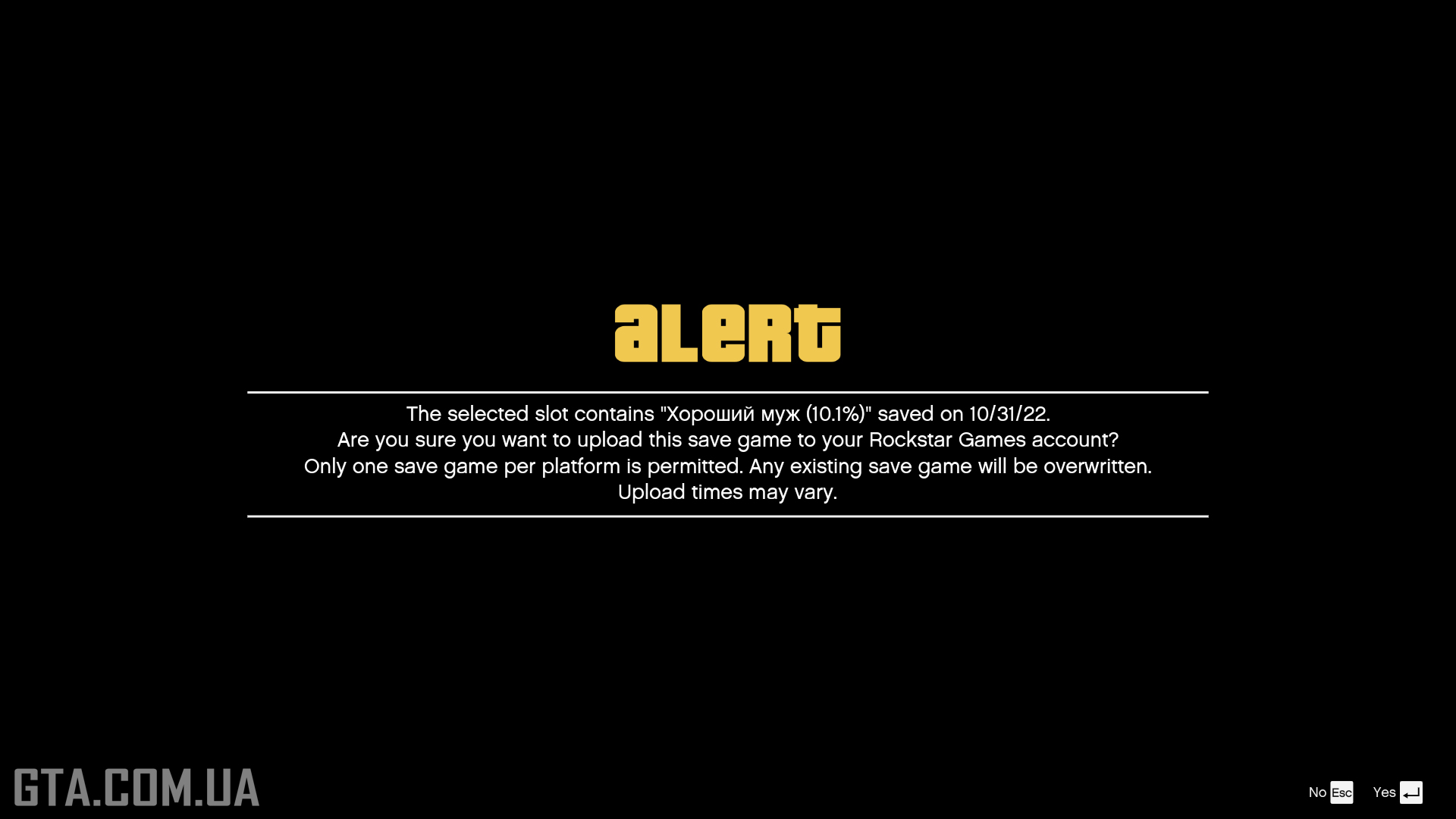
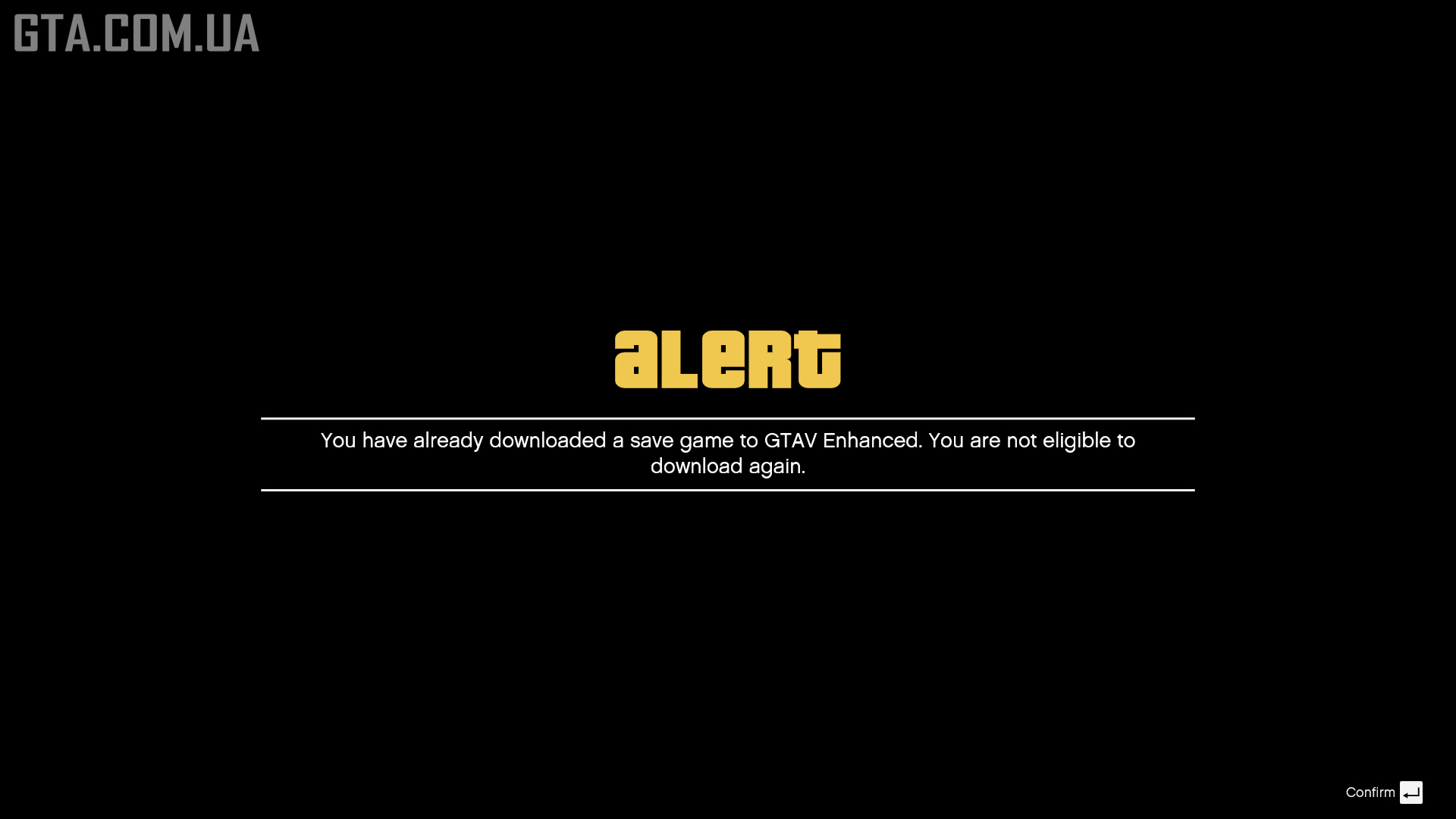
- If you selected the wrong save, you can replace it with another one. You can do this multiple times, but once a save is loaded into Grand Theft Auto V Enhanced, the transfer option will no longer be available.

- After a successful upload, a confirmation message will appear.

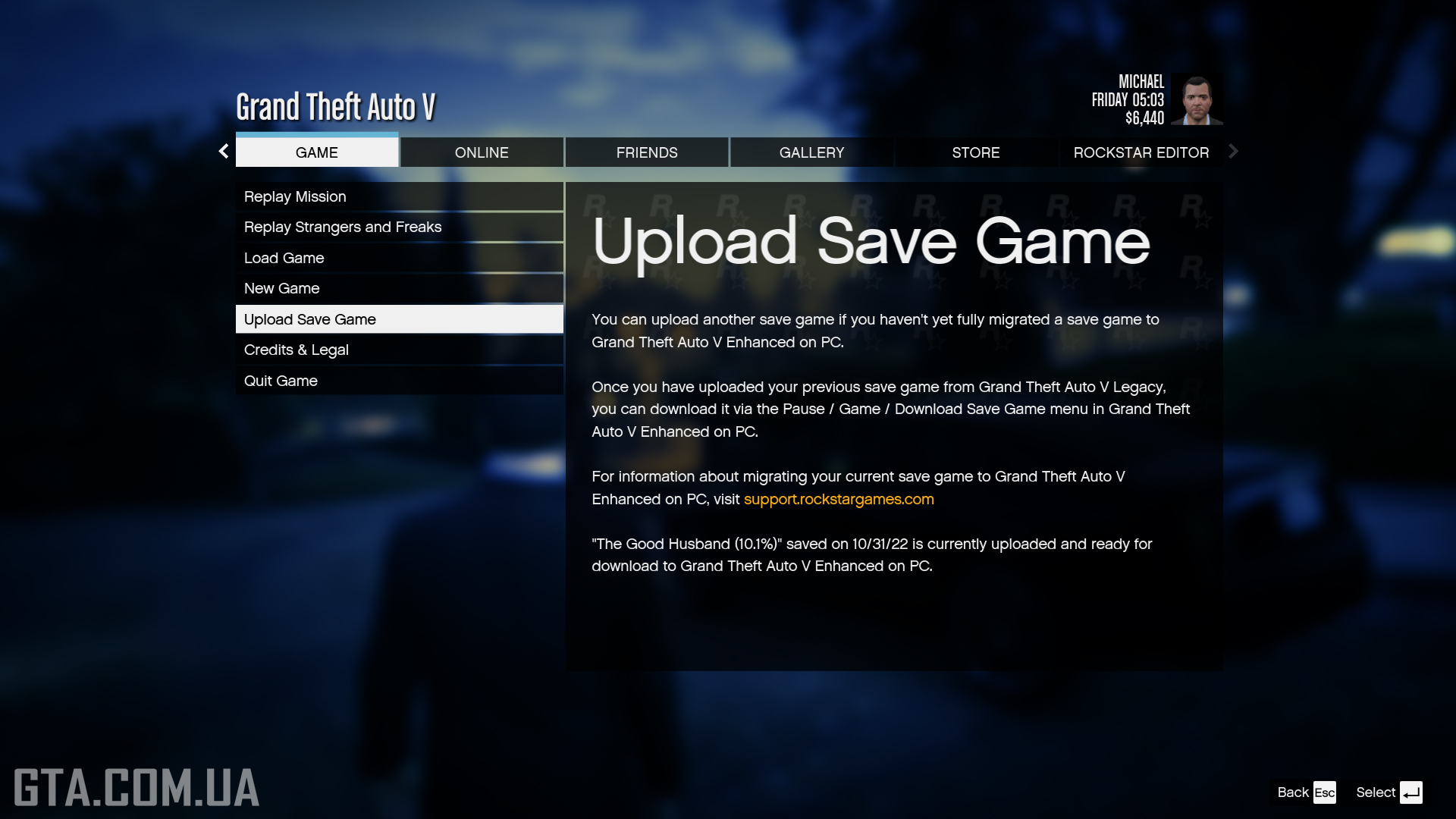
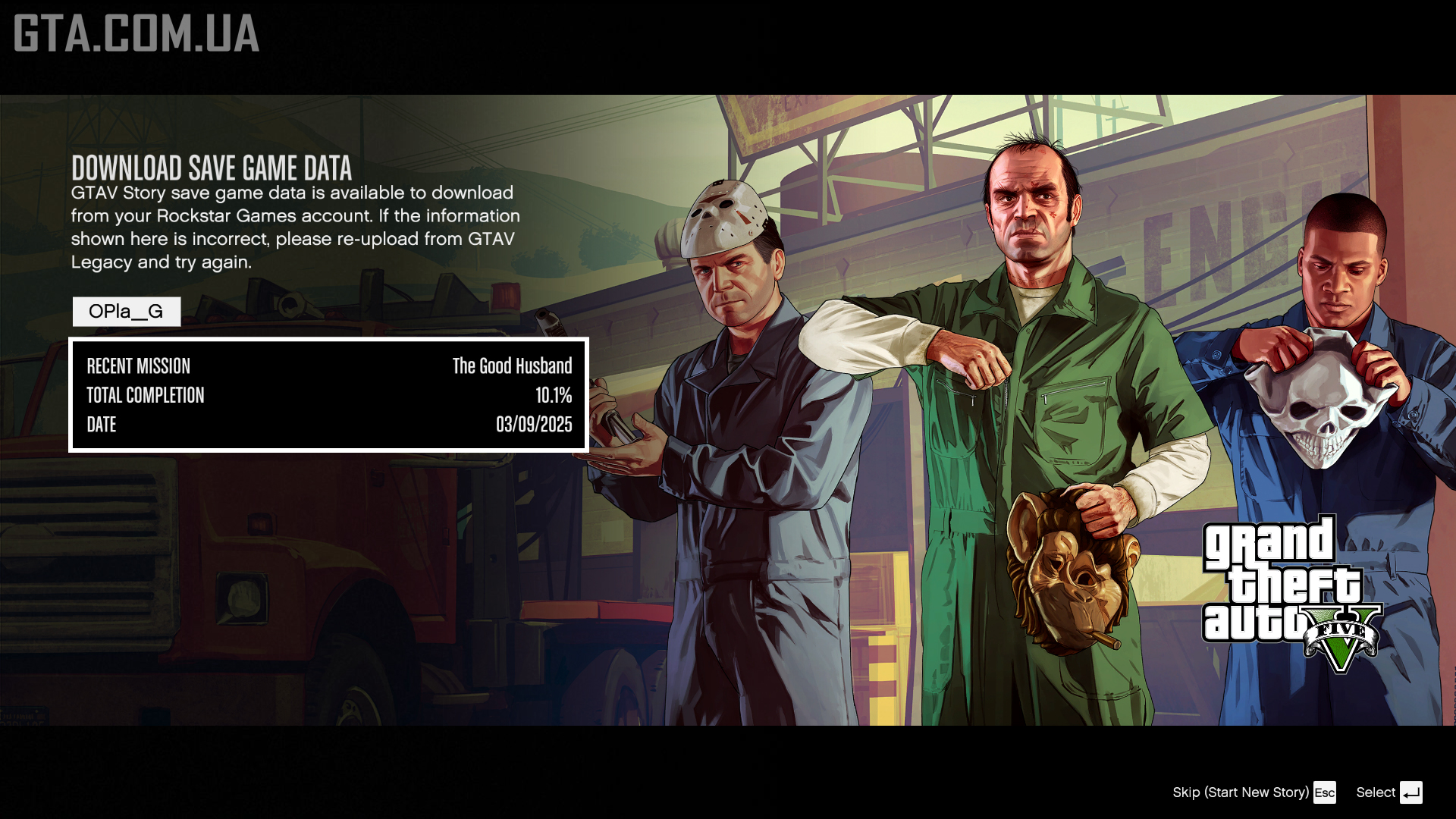
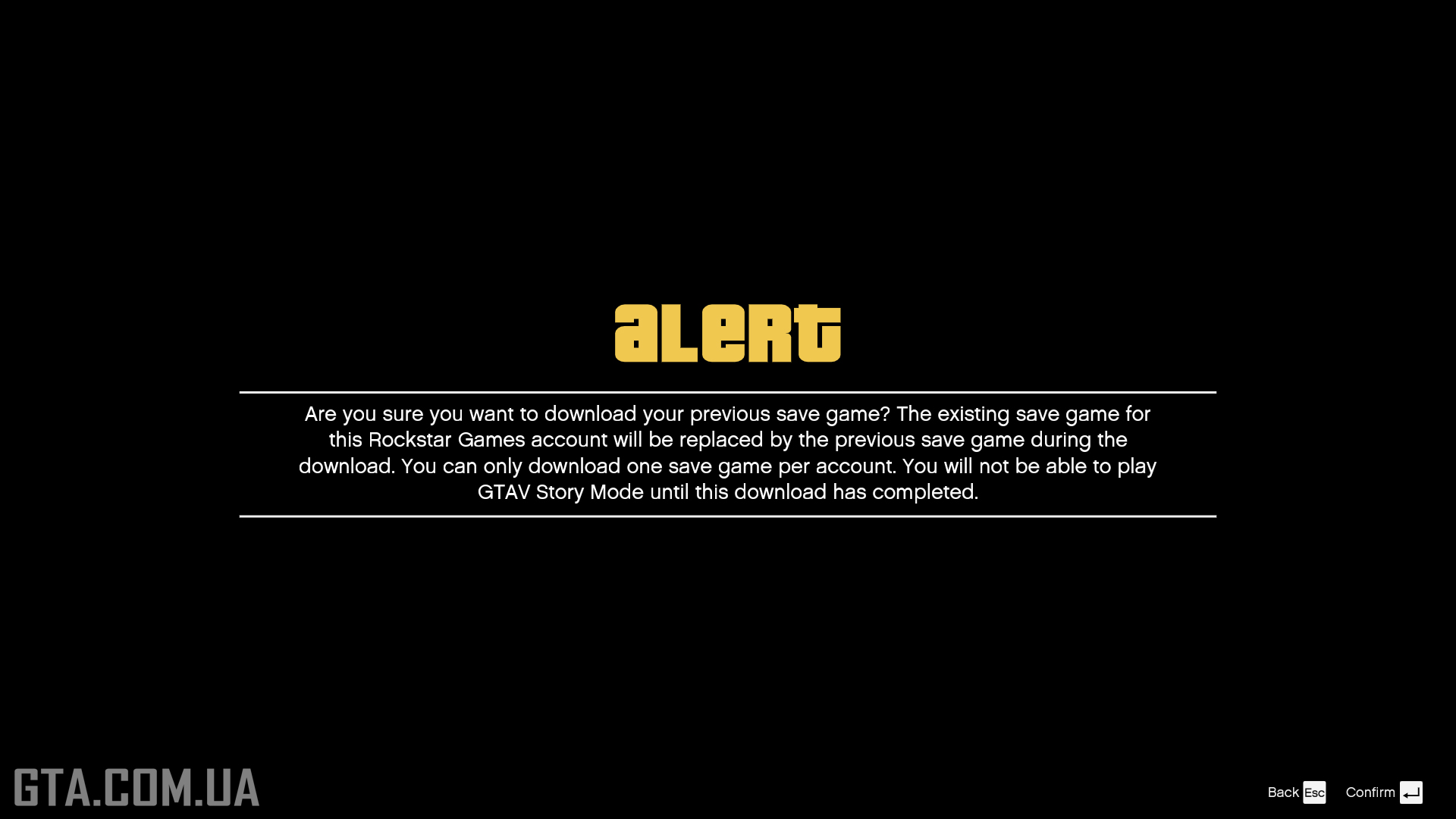
- Launch GTA V Enhanced. There are two ways to load the save into the game. The first option is through a special menu that appears when entering Story Mode for the first time. You can skip it and start a new playthrough. Later, if you decide to use the save from Legacy, choose the second option — via the Game tab in the Pause Menu (Esc key). To do this, select Download Save Game.
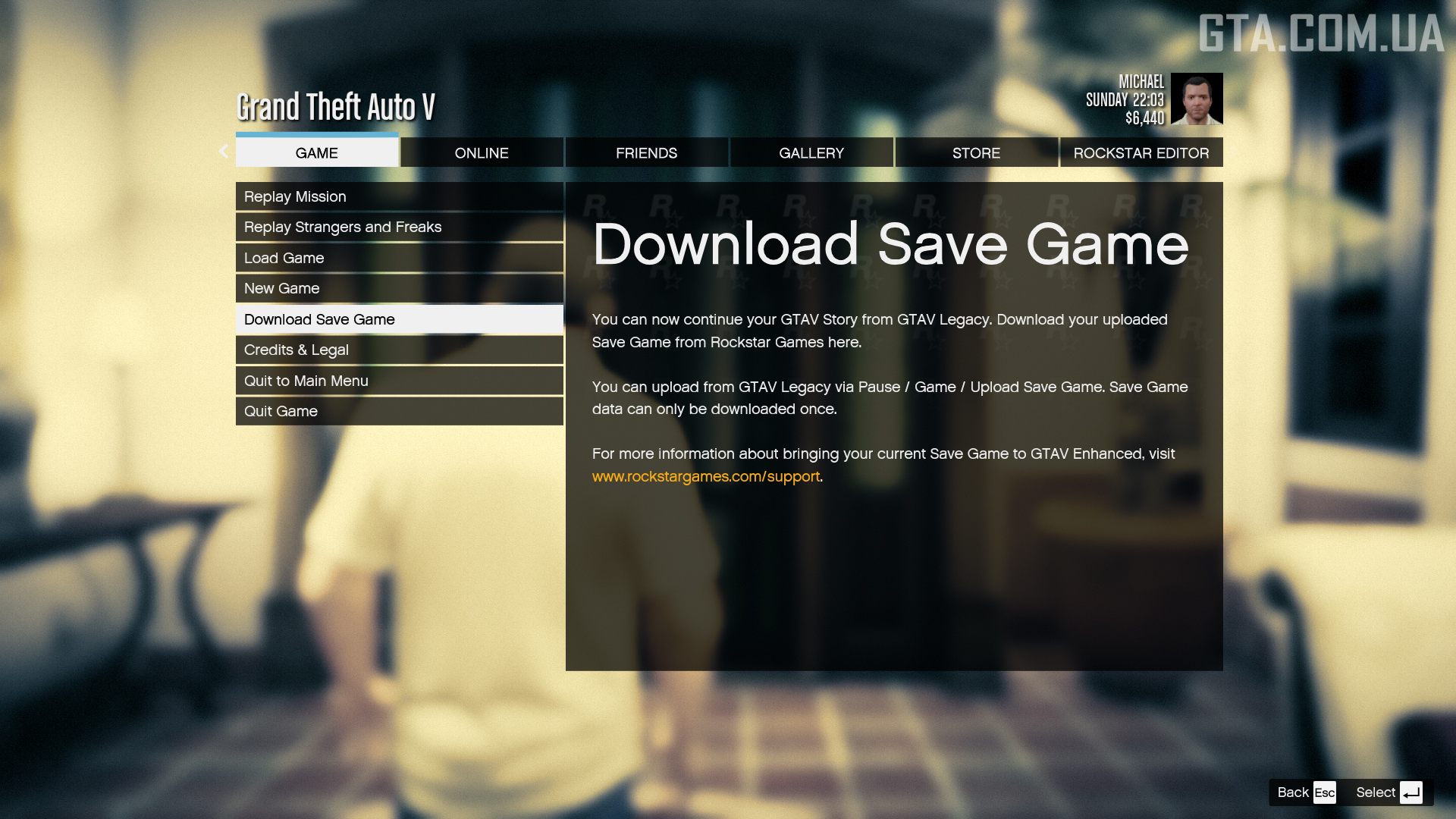
- The final step is to confirm the action by pressing Enter.
Important! Further progress DOES NOT sync between the two versions of the game.